Advertisements
How I Finally Stopped Letting Email Overload Destroy My Productivity and Focus
Here’s a stat that honestly made me want to throw my laptop out the window: the average professional spends 28% of their workweek reading and answering emails. That’s more than 11 hours! I used to be way worse than that, and it was absolutely wrecking my ability to get anything meaningful done.
If you’ve ever felt like your inbox is a monster that feeds on your focus and spits out anxiety, you’re not alone. Email overload is one of the biggest silent killers of workplace productivity, and I learned that the hard way.
The Day I Realized My Inbox Was Running My Life
So a couple years ago, I was sitting at my desk at 4:30 PM and realized I hadn’t touched a single item on my actual to-do list. Not one. I’d spent the entire day responding to emails, many of which weren’t even urgent.
The worst part? I felt busy the whole time. Like, genuinely productive-busy. But I wasn’t. I was just being reactive instead of intentional, and my deep work was suffering because of it.
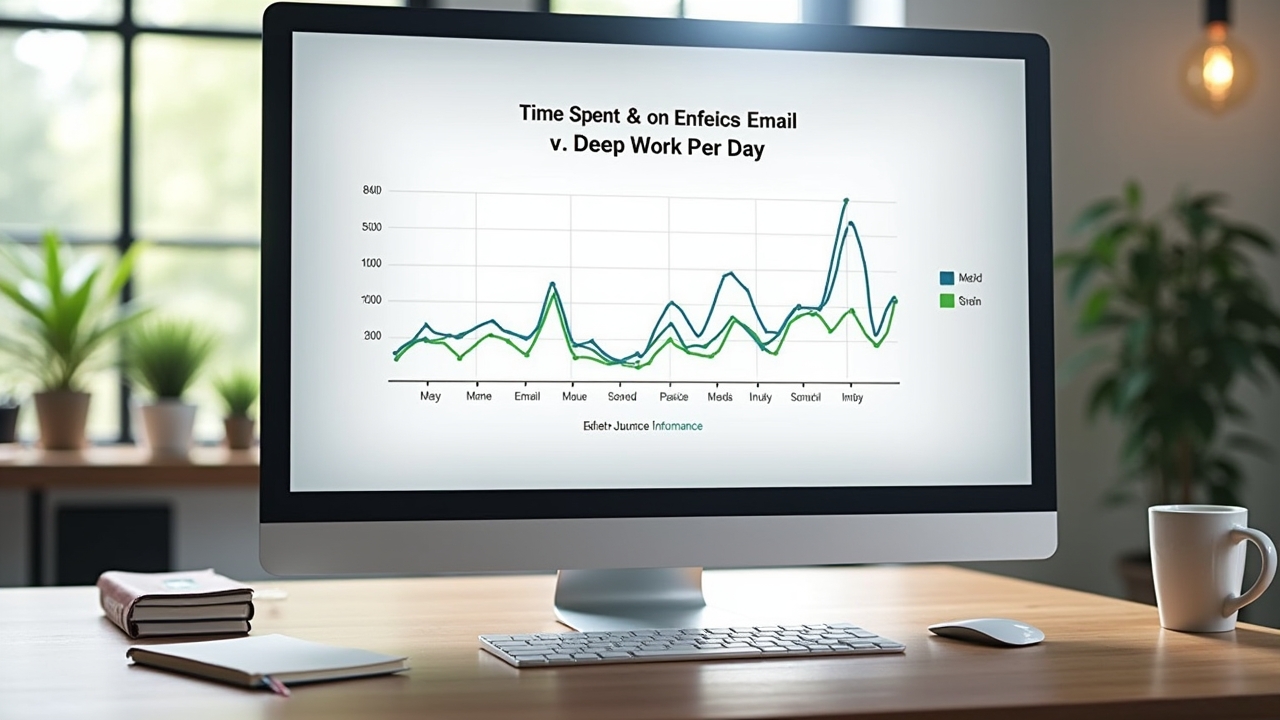
That evening I went down a rabbit hole reading about Cal Newport’s concept of deep work, and something finally clicked. My constant email checking was fragmenting my attention into tiny, useless pieces.
Advertisements
Why Email Overload Kills Your Focus (It’s Science, Not Just Feelings)
Here’s the thing that really got me. Research from the University of California, Irvine found that it takes an average of 23 minutes to refocus after an interruption. Twenty-three minutes! And every time you glance at a new message, that clock resets.
So if you’re checking email even five or six times an hour — which was totally me — you’re basically never reaching a state of real concentration. Your brain is stuck in this shallow processing mode where you can answer messages but can’t do the kind of thinking that actually moves projects forward.
It’s like trying to read a novel while someone keeps tapping you on the shoulder. Eventually you just give up on the book.
The Email Management System That Actually Worked for Me
Alright, here’s the practical stuff. After a lot of trial and error — and I mean a lot of failed experiments — I landed on a system that genuinely reduced my email stress and gave me back hours of focused time each week.
- Batch processing: I check email only three times a day — 9 AM, 12:30 PM, and 4 PM. Outside those windows, my inbox stays closed. Period.
- The two-minute rule: If a reply takes less than two minutes, I handle it immediately during my batch session. Everything else gets scheduled or delegated.
- Unsubscribe ruthlessly: I spent one Saturday morning unsubscribing from like 80 newsletters. It was tedious but honestly life-changing for inbox clutter reduction.
- Use filters and labels: Tools in Gmail or Outlook let you auto-sort messages so the important stuff floats to the top.
- Turn off notifications: This one sounds scary, but disabling push notifications on my phone was probably the single biggest productivity boost I’ve ever experienced.
A Quick Note on Setting Boundaries
One mistake I made early on was not telling my coworkers about my new email schedule. People got annoyed when I didn’t respond within ten minutes like I used too. A simple auto-reply or a quick Slack message explaining your response times goes a long way toward managing expectations without burning bridges.
The Results Were Kind of Ridiculous
Within two weeks of sticking to this system, I was finishing my priority tasks by 2 PM most days. My attention span for complex work improved dramatically, and honestly, my anxiety levels dropped noticeably. I stopped feeling like I was always behind.
The ironic thing? Nobody actually cared that I took a few hours to respond. Most emails aren’t as urgent as they feel in the moment.
Your Inbox Doesn’t Have to Be Your Boss
Look, email isn’t going anywhere. But email overload destroying your productivity and focus? That’s optional. You just gotta build a system that works for your specific workflow and then actually commit to it.
Start small — maybe just try batching twice a day for a week and see how it feels. Tweak things as you go because what works for me might need adjusting for your situation. And please, be kind to yourself during the transition; old habits are stubborn little things.
If this kind of stuff resonates with you, head over to the Stress Free Workplace blog for more practical tips on reclaiming your workday. You deserve to actually enjoy your time at work — or at least not dread opening your laptop every morning!